On the App Store
DeskRhythm for iPhone
Get your walking-pad steps into Apple Health — no Watch needed. If your walking pad has no Apple integration and you don't wear a Watch, the steps you take at your desk never reach Health. DeskRhythm fills that gap: when a walking-pad session ends, it writes a walking workout and a calibrated step estimate to Apple Health.
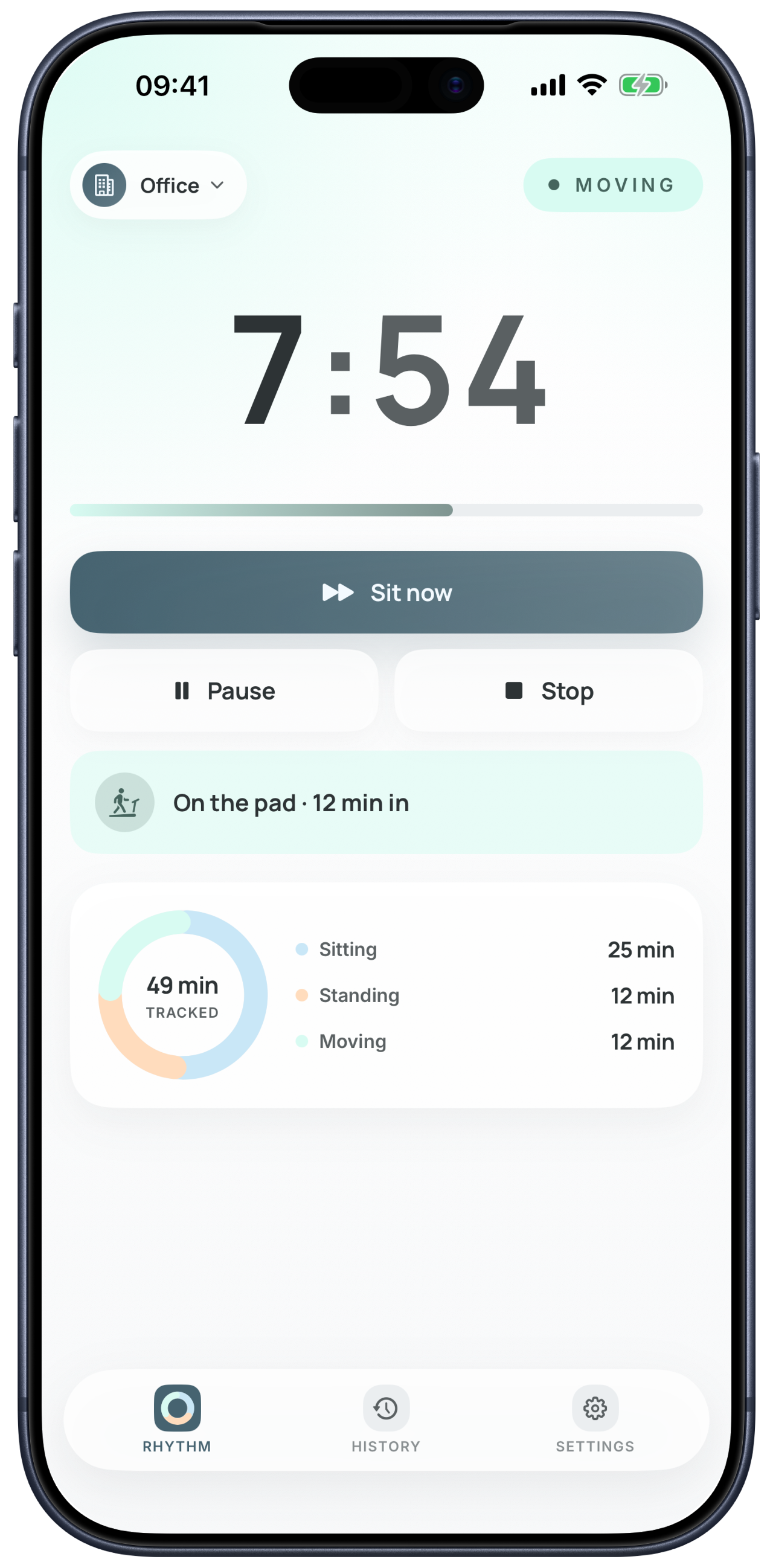
It's the same workday rhythm, now native on iPhone — a calm balance of sitting, standing, and moving, with a quiet prompt at each transition. Not a tracker, not a streak to keep; just your day, in rhythm.
DeskRhythm for iPhone is on the App Store. The web app stays free in your browser.

Free for two weeks, then a plan of your choice.
See it in motion
What the iPhone app adds
On iPhone, DeskRhythm steps off the browser tab — the day's rhythm arrives as notifications, you act from the Lock Screen, and a walking-pad session comes with you.
- Quiet notifications at each switch When it's time to change position, DeskRhythm tells you — with actions you can take from the Lock Screen. No tab to keep open.
- A live countdown on the Lock Screen and in the Dynamic Island The phase you're in stays visible while you work, so the rhythm follows you through the day.
- Walking-pad steps in Apple Health — no Watch needed When a session ends, DeskRhythm writes a walking workout and a calibrated step estimate to Apple Health, for pads with no Apple integration. It's an estimate, not a measurement.
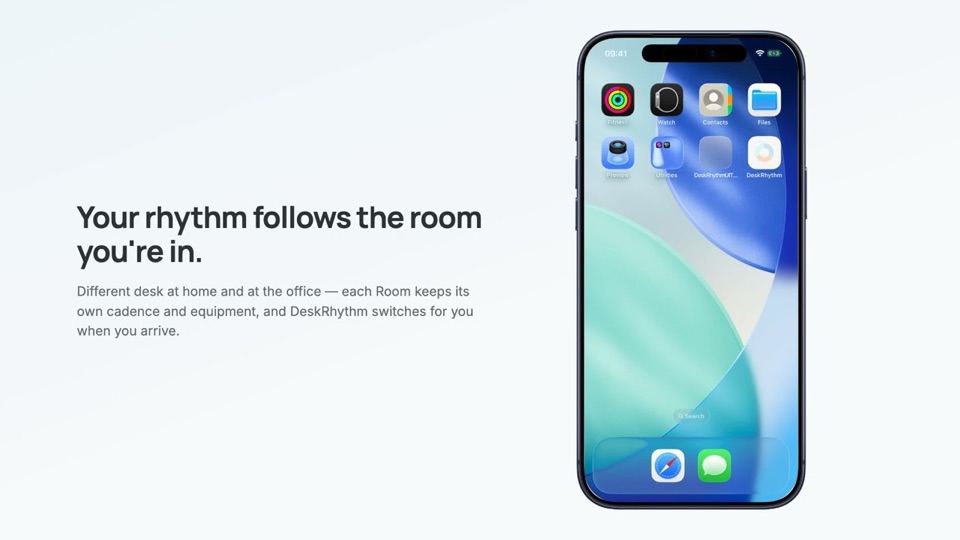
- Rooms — a rhythm per place An office with a standing desk and a home setup without one can each keep their own rhythm, and you can switch Rooms by location.
We're looking at an Android version.
On iPhone, your DeskRhythm history is stored on your device — not on DeskRhythm's servers.
Questions, or something not working the way it should?
Email usNo mail app set up? Copy the address and send from any mail account: [email protected]